Spatial Asset Recommender – Classify Assets from the Content Browser
← Previous | Start | Next →
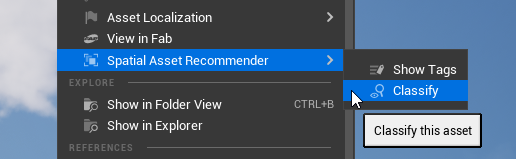
It is possible to run the classifier for specific assets by navigating to Spatial Asset Recommender → Classify in the context menu for assets.
This will use the classification configuration that applies to the selected assets according to your configuration.
Selected assets that can’t be classified will be ignored.
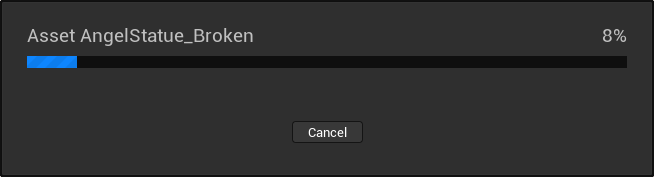
Depending on the classifier setup, the classification will take some time. During this time the editor will be blocked and a loading bar will be displayed. You can cancel the classification process, but the system will always complete the classification of the asset that’s currently being processed. Therefore, cancellation may take some time.
Note: This in-editor classification feature does not run a prepass! You need to use the commandlet to do that.